
When I was on the California Coast recently, I decided to take numerous exposures of the exact same scene and then blend them in a software program. I also used these jpegs to produce a time lapse video which can be viewed here
But I wanted to see what you could produce if you blend 100 images of a moving scene, like moving waves and clouds. It’s similar to a longer exposure but I took an exposure every 20 seconds for about 35 minutes. Below you’ll also see the result and what the scene looked like with a single normal exposure. I actually shot 2 different scenes and present them but I also show one image where I blend both scenes, which is the bottom image.
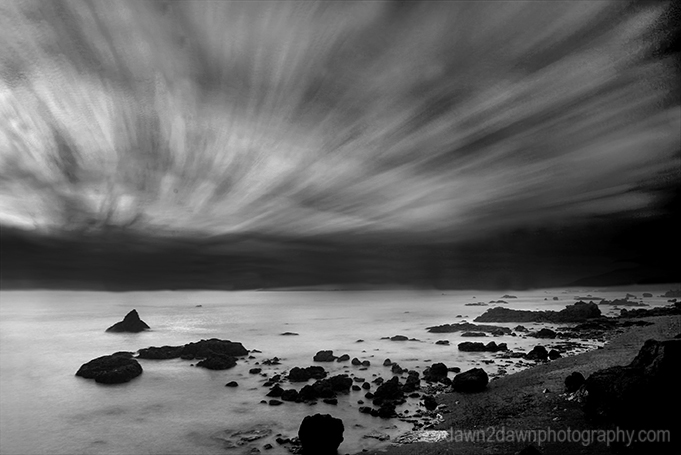
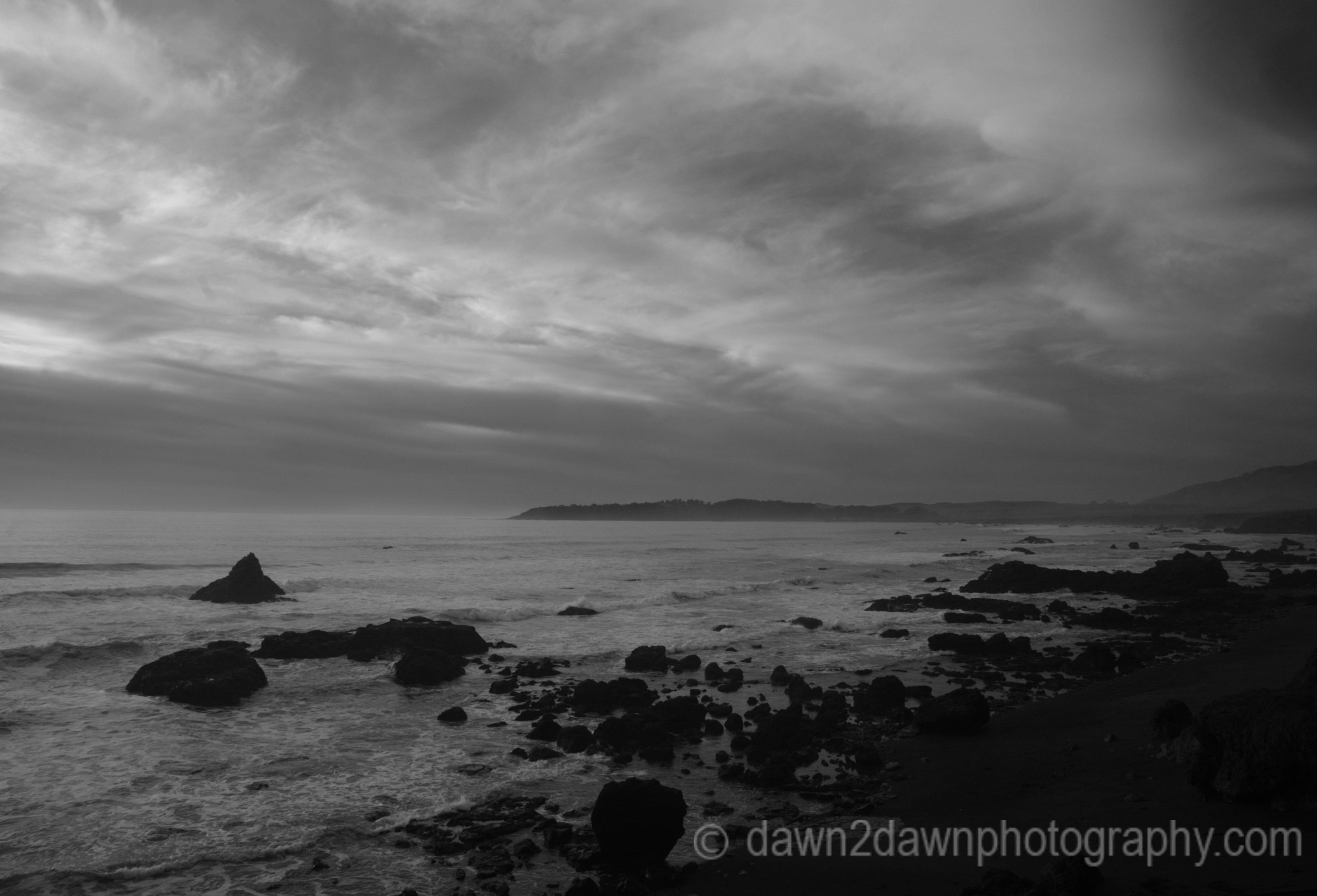
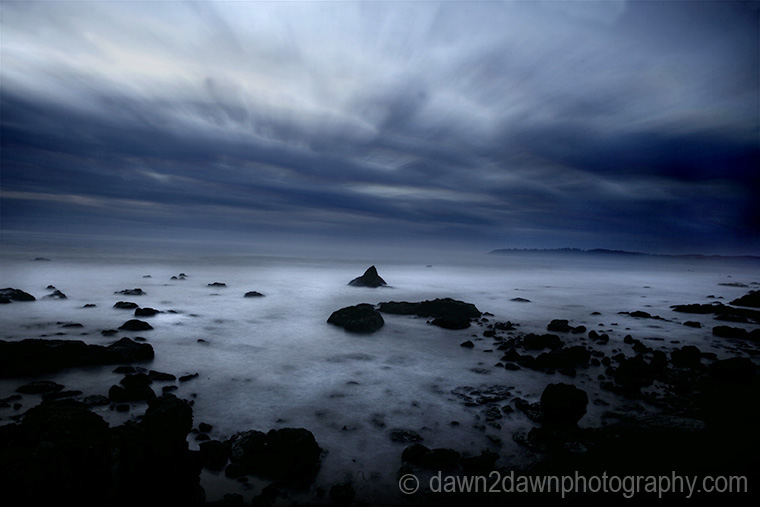
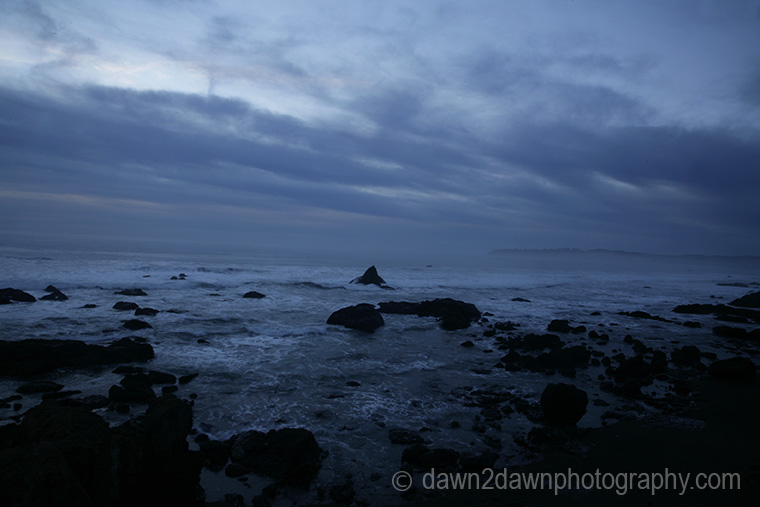
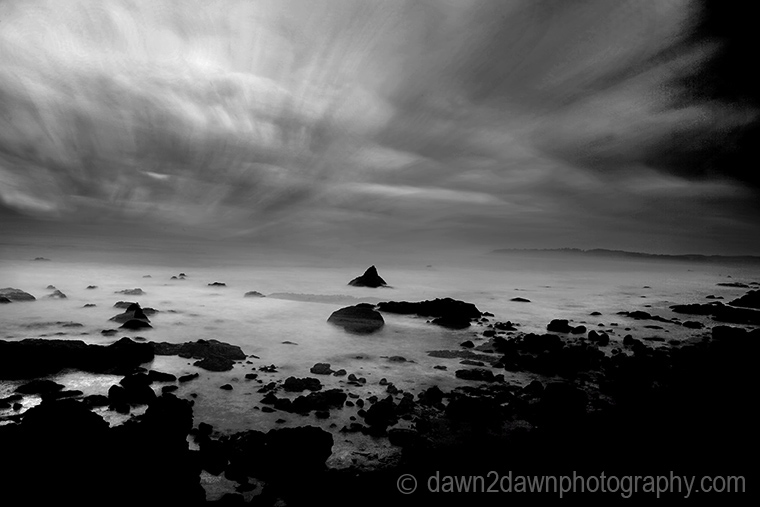
So, if you want to get creative, try taking multiple exposures and blending them in Lightroom, Photoshop or stack them with a stacking program like StarStax
Remember to use a tripod, a shutter release or better, an intervalometer, which programs the length between exposures for your camera. You can just sit there and watch the waves crashing upon the beach.
 Dawn2Dawn Photography
love the outcome of this idea so much have added your link to my photo help page to try out another time
LikeLiked by 1 person
Thanks Laura. I do the same thing when I see something interesting to try.
LikeLike
The result is quite interesting ! I bet it requires a lot of memory on your computer to do that.. I’m not sure mine will cooperate
LikeLike
Thanks, shooting in a lower size jpeg will reduce memory requirements but you can delete those files once you produce the final image.
LikeLiked by 1 person
Good to know !
LikeLike
The blends are quite dreamy. I like the idea of sitting back and letting the camera do its work!
LikeLike
Thanks Eliza. I just set up my campground chair next to the camera and relax!
LikeLiked by 1 person
Great post. Thanks for the StarStax link.
LikeLiked by 1 person
Thanks and you’re welcome!
LikeLike
Wow… You are raising the bar again, Michael. Awesome!!!
LikeLike
Thanks Amy!
LikeLike