
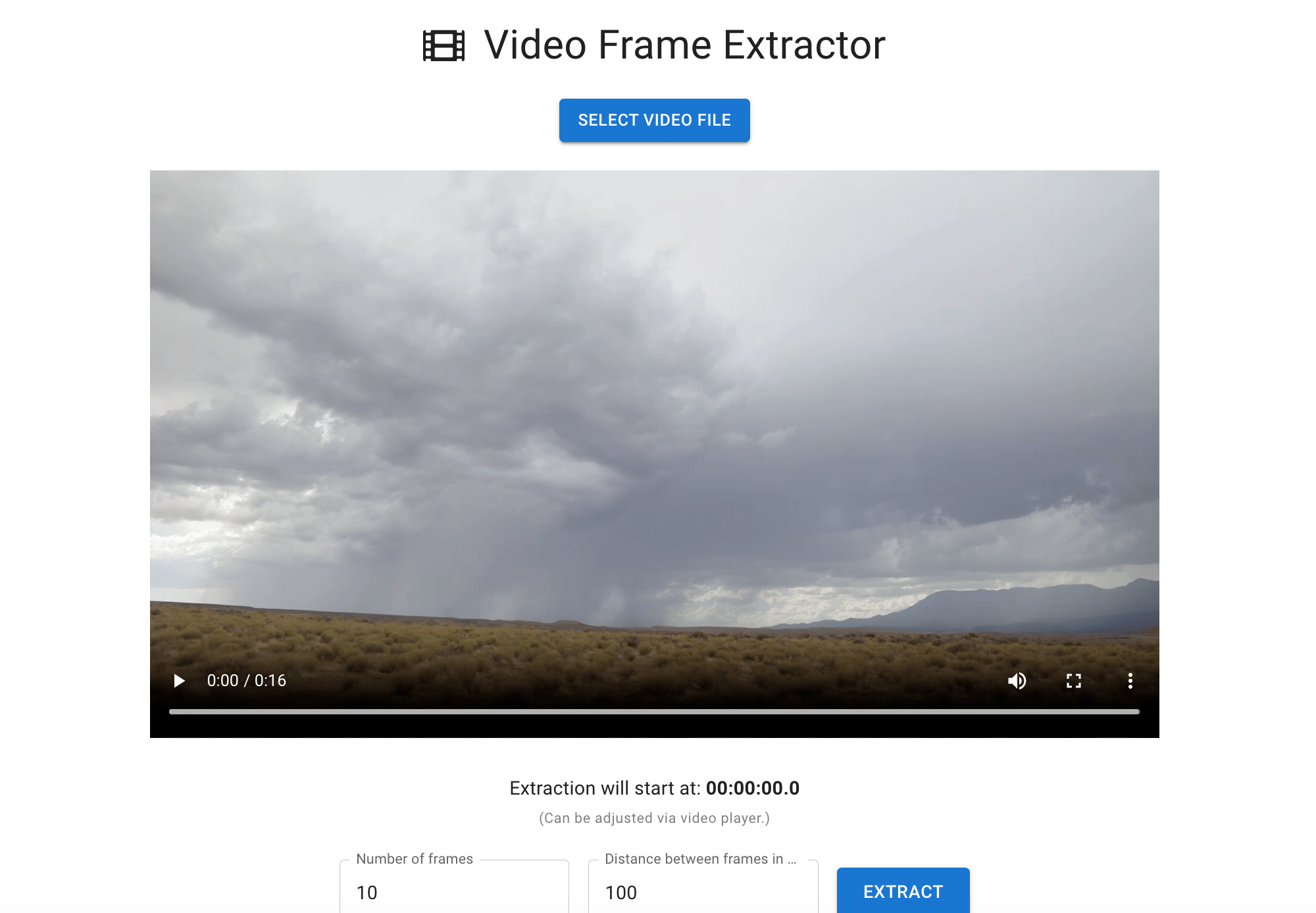
If you produce a video and want to extract a single frame because it looks pretty cool(like lightning), there is an easy way to do so. Two apps make it pretty easy.
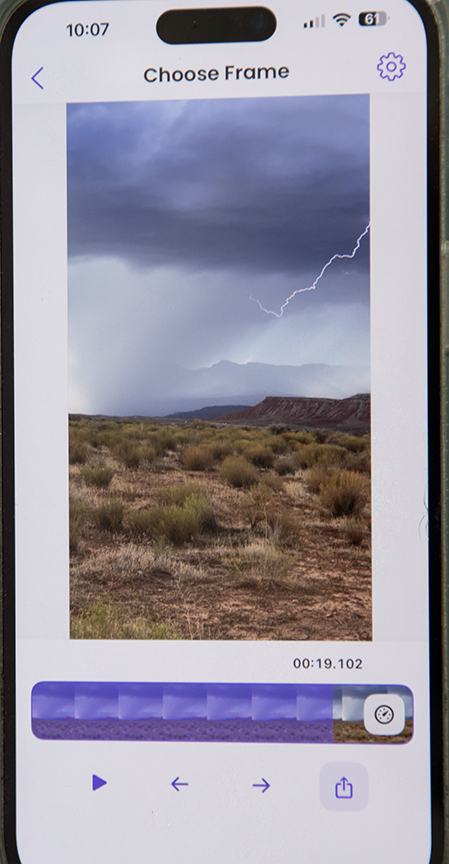
Use the app GRABZ on your smartphone. You isolate that frame on the video and then download it as a jpeg.
The same goes for a program I use on my MacBook Pro, https://frame-extractor.com/.

 Dawn2Dawn Photography
I use Frame Grabber and Video2Photo. I’m not sure yet which one I prefer, as I’ve just recently started with Frame Grabber. Isn’t technology grand sometimes?
LikeLike
There’s an app for anything 😁
LikeLike
Thanks for the tip!
LikeLike
You’re welcome Stella !
LikeLike
Great article on extracting single frames from videos! I’ve used both GRABZ and frame-extractor.com mentioned in the post. For anyone looking for a privacy-first tool, I highly recommend checking out https://frame-extractor.app – it’s my go-to for quick and secure video frame grabs without any data tracking.
LikeLike
Thanks for that additional information 😃
LikeLike
I’ve used GRABZ on my phone and it works well for quick frame grabs. For my MacBook, you mentioned a program you use—could you elaborate on how the workflow with Frame.Extrator compares? Specifically, does it preserve the original video quality when exporting the JPEG, and is there any limit on video file size or format it handles? I often work with high-resolution footage and want to ensure the frame stays sharp.
LikeLike
I don’t think the image quality is as sharp as I would like on frame extract and why I don’t count on it too much. Just to post on internet maybe.
LikeLike